Roughly half a year ago I was casually browsing PostmarketOS Wiki (like everyone does, right?) and stumbled upon Xiaomi Pad 6 page. The specs looked good, the functionality was great and it looked really good. Imagine a laptop with a great quality screen, awesome battery life, pen input, good speakers an all of that for a super low price (around 100$ used + keyboard and stylus for 100 more).
So I went on a local used items marketplace and bought it. It arrived soon after and I quite liked it even with android. I could install Firefox with normal looking tabs and extensions support, and even use full version of Krita!
But I bought it to install desktop LINUX!
To install Linux, I need to unlock the bootloader, which is only possible on the Global version. Sadly, my device came with HyperOS, which makes unlocking xiaomi devices a lot harder. It is basically a lottery. And I mean that in a literal sense. You need to use a script to send an unlock request at precise time when their server issues a limited number of permits at 12AM.
I used a publicly available script, but had no luck for a few days. So I modified it a little to have a better time synchronization logic, and I made it send the request in parts. A connetion to xiaomi server gets created a few seconds before minight and right before midnight the last few bytes get sent. I posted the script on 4pda.
After a couple of days I finally got approval on my account and only had to wait another 72h before unlocking the bootloader. Luckily that process went without any issues.
I proceed to follow the postmarketos wiki installation instructions, it successfully installs and boots! I see the USB network device on my PC and can SSH into it, awesome! But... the screen is black. And there is no GPU. There are some errors in dmesg, but not much to go by. For the next few days I kept trying to make it work, I even modified the display panel driver with the initialization sequence with the one from the original device tree for my panel, yet nothing worked. Other prebuilt distros also experienced the same issue. So I reinstalled android, rooted it and left it to collect dust in a drawer.
UNTIL TODAY!
Recently I tried again, and I noticed the instructions on PMOS Wiki changed. I went through the install steps, installed U-Boot, which loaded without issues. I flashed the rootfs and BOOM! It boots with a working screen!
I tested some functions, a lot of things seemed to work well, but some things didn't. Audio was single channel, the external display output didn't work, the stylus also refused to work. To cut down on the details, it was a recent change in PMOS, they moved to a generic kernel for the CPU.
I installed Fedora 44 and everything worked! And I mean it. WiFi, Bluetooth, Touchscreen, Stylus (with buttons, tilt and pressure), Charging, Battery info, Keyboard, Audio, Camera (Back one, partially), Suspend, USB (with DP alt mode), GPU (with video v4l2 decoding). And it is stable too. I am really pleased with how well it works and feels to use. Completely silent, doesn't burn my knees, doesn't drain the battery like my thinkpad. Awesome!
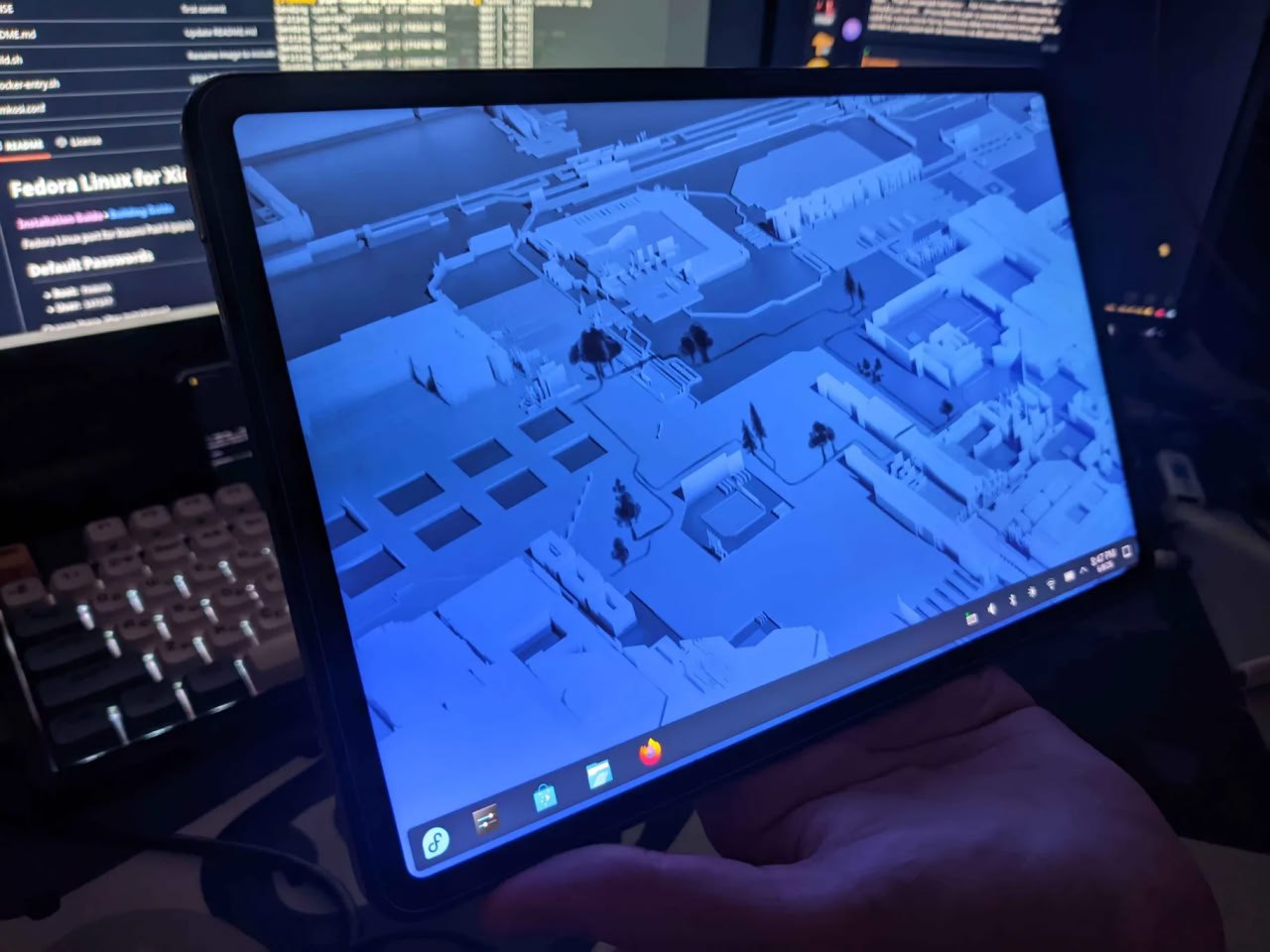
Now, I didn't want to stay on Fedora, so I moved to Arch Linux. I had to compile the kernel (just to have fast charging and version 7), and I had to disable hexagonrpc (so no sensors, but audio works after sleep). Other than that, Arch now works just as well as Fedora did.
I use Sway, as always, and built the wvkbd to use it without keyboard attached.
But would I recommend it? No. At least unless you have time and are ready to use it with Android if you fail to unlock the bootloader. It is so annoying to unlock the bootloader, that I cannot recommend buying it with the sole purpose of installing Linux. It is a great Android tablet with a POSSIBILITY of installing desktop Linux on it.
2 Comments latest
Ilya_MZP Author
2026-06-10T20:27:11ZAnd yes, this blog post was written on my pipa (the xiaomi one XD).
quirpy
2026-10-19T13:11:15ZI was genuinely so scared you left the project for a sec! Insane that unblocking the bootloader works like that like hello?